 MathTypeX
1. Build your first equation
Open the editor
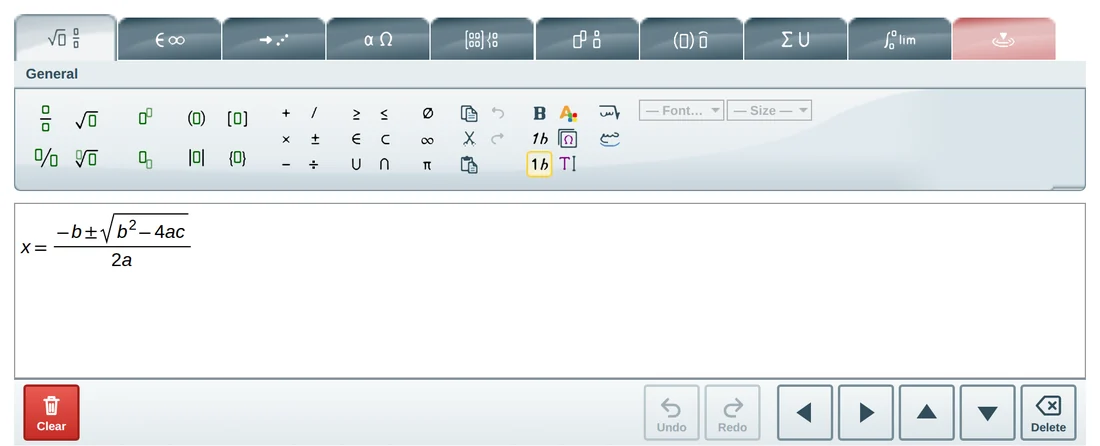
Click Open the editor. You see a white area with a toolbar above it.
Click a structure on the toolbar
For example the fraction button. A fraction appears in your equation with two empty boxes.
Type into the boxes
Type with your keyboard. Move between the boxes with the arrow keys or by clicking.
Add more
Add a root, a power or a matrix from the toolbar. If you make a mistake, press Ctrl + Z to undo.
2. Type in Arabic
The easiest way is to open the Arabic version of the editor: the interface is Arabic and writing is right to left from the start.
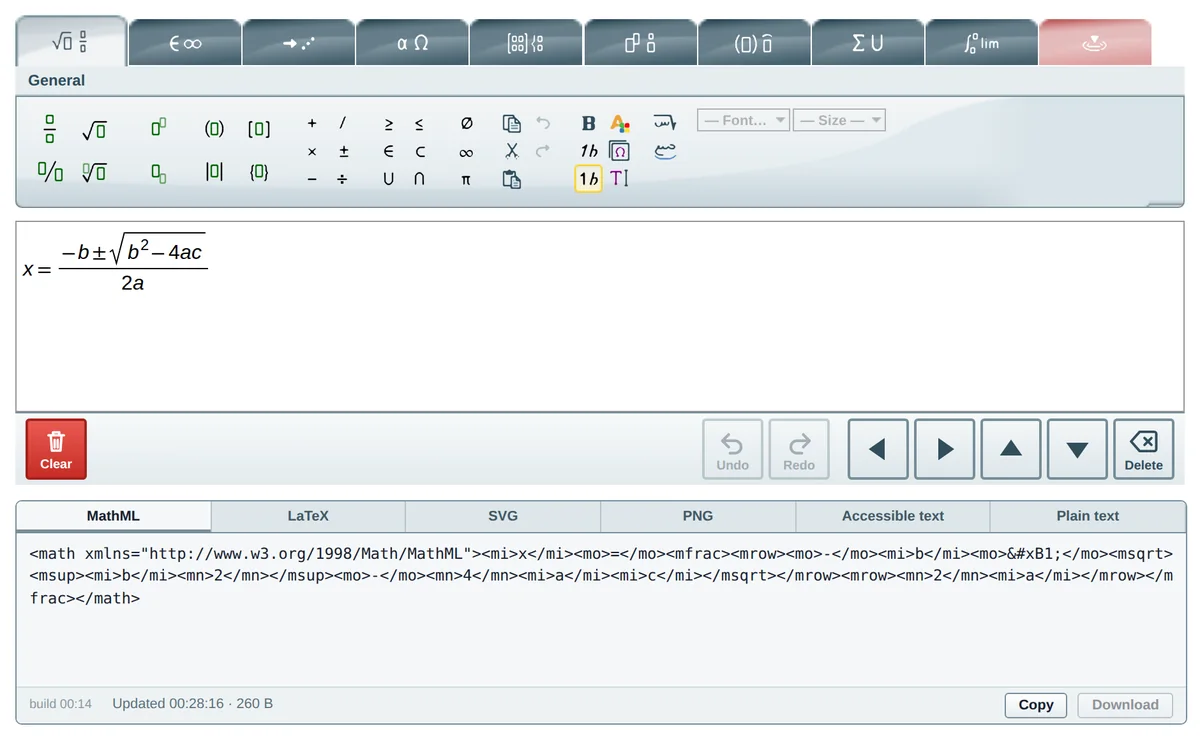
If you are in the English editor, use the numbered buttons of the General tab:

- Right to left editing so the equation grows from the right.
- Arabic ligature so the Arabic letters you type connect into a word. Leave it off if your letters are separate variables.
- Insert special characters, then Arabic math letters, to insert Arabic mathematical letters and derivative marks.
3. Download your equation as an image
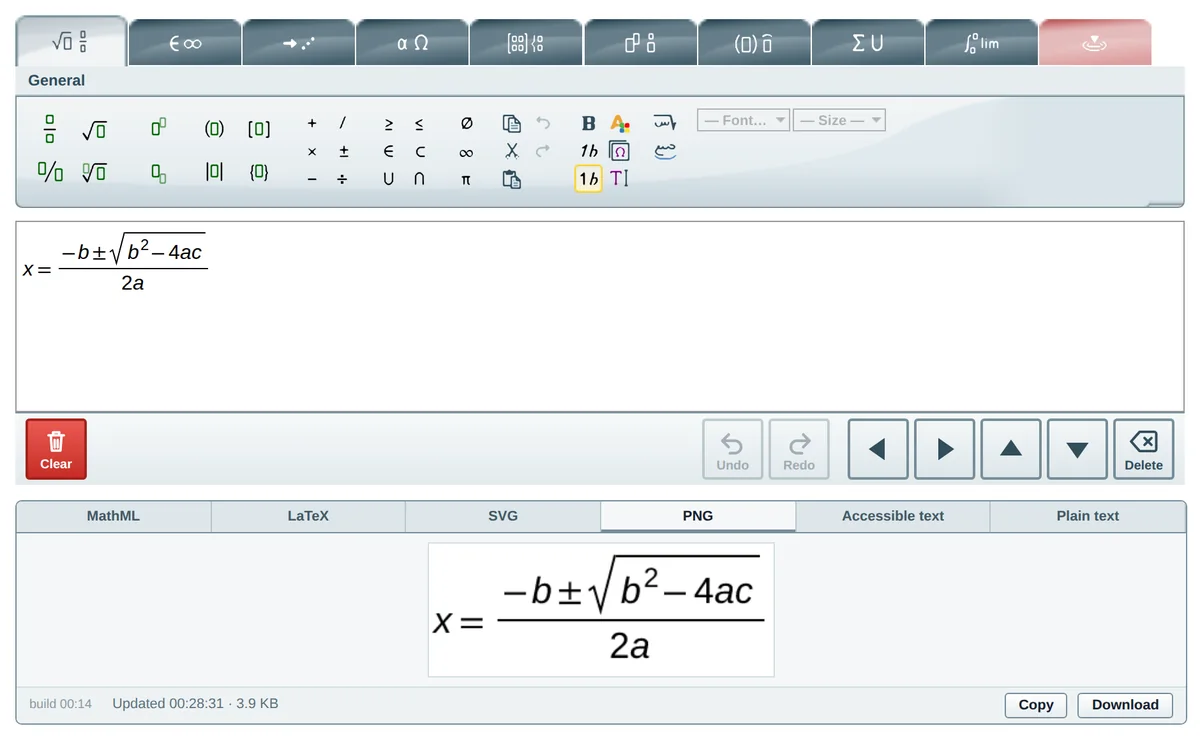
Open the PNG tab
Under the editor there is a row of tabs; click “PNG”.
Click Download
The image is saved to your device with a white background.
Paste it where you need it
In Word, Google Docs, PowerPoint or a web page.
4. Move a symbol exactly
Select the letter or mark by clicking and dragging over it, or with Shift + the arrow keys. Then open the contextual tab (the last tab) and click the four arrows to move it one pixel per click.
Keyboard shortcuts
| Shortcut | What it does |
|---|---|
| Alt + 1 … 9, 0 | Switch toolbar tab (0 is the contextual tab) |
| Ctrl + / | Fraction |
| Ctrl + ↑ / ↓ | Superscript / subscript |
| Shift + arrows | Select |
| Ctrl + Shift + arrows | Move the selection by one pixel |
| Ctrl + Z | Undo |
Ready to write your first equation?
Open the full-page editor. It is the same editor you just tried, with the whole window to work in.