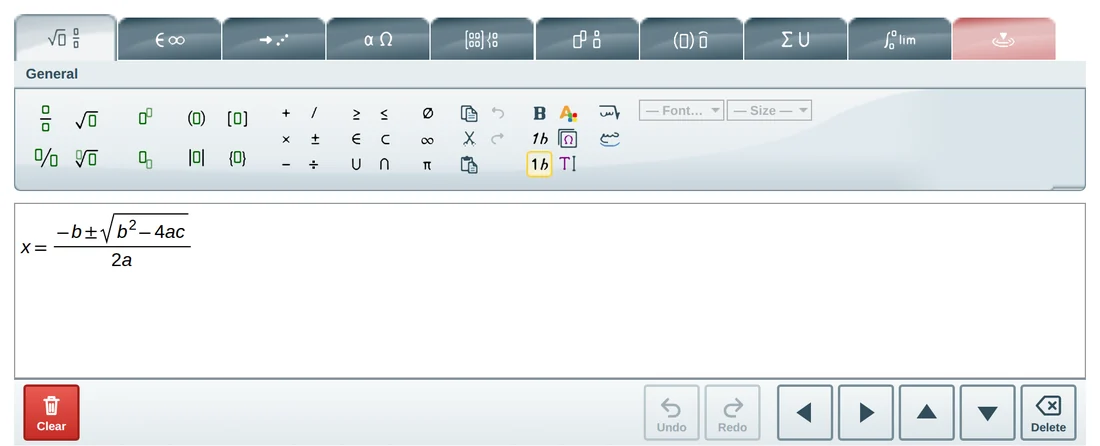
 MathTypeX
 goes on any page with one script. The short version:
Put a container on your page
An empty element where the editor will appear.
Load the script
The
editor.jsfile from your copy of MathTypeX.Create the editor
Choose the language
'en'or'ar'.
<div id="editorContainer"></div>
<script src="editor.js"></script>
<script>
  const editor = MathTypeX.JsEditor.newInstance({ language: 'en' });
  editor.insertInto(document.getElementById('editorContainer'));
  editor.on('change', (e) => console.log(e.mathml));   // the formula as MathML
</script>
Read the formula with getMathML(), get an image with getPNG(), and set a formula with setMathML().
The editor runs entirely in the visitor's browser with no server, so plain static hosting is enough.
Ready to write your first equation?
Open the full-page editor. It is the same editor you just tried, with the whole window to work in.