 MathTypeX
Build equations the easy way
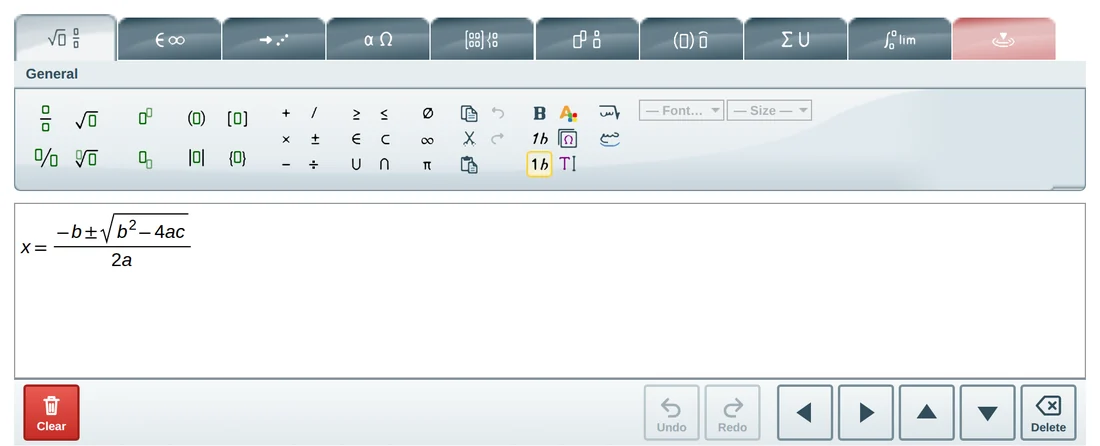
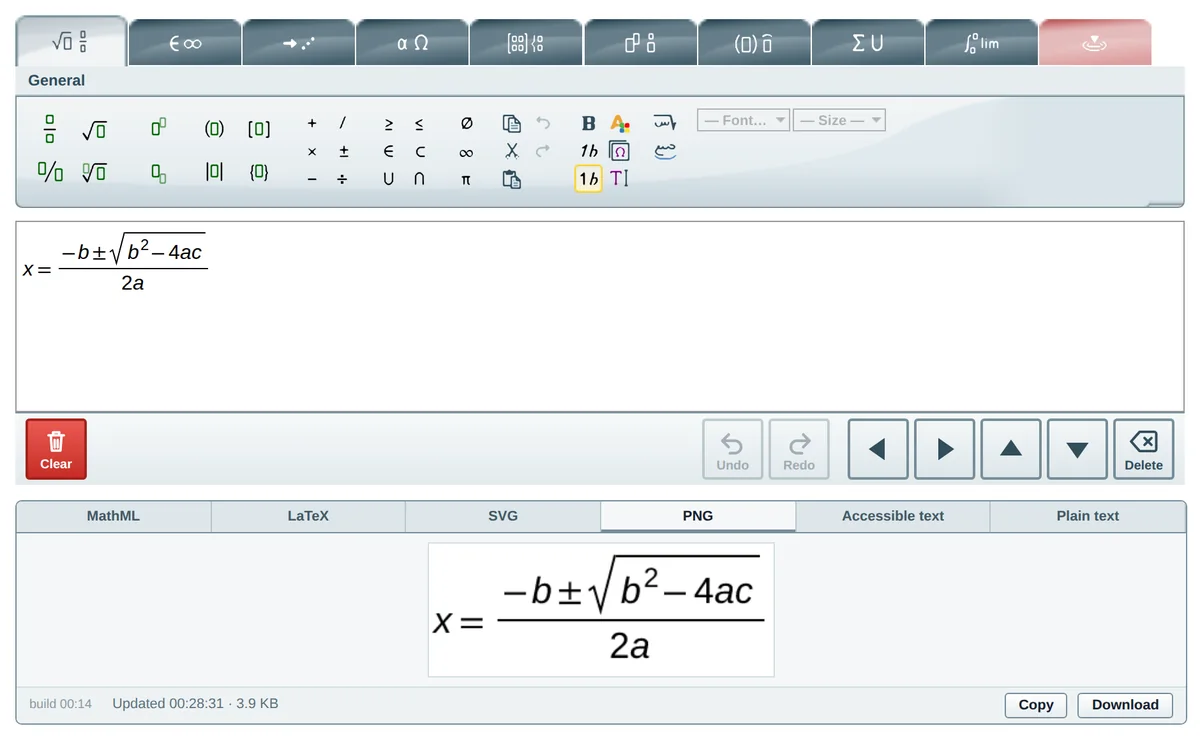
The toolbar holds more than 700 ready-made structures, grouped into clear tabs: fractions, roots, powers, brackets, matrices, integrals, sums, limits, arrows, Greek letters and more. Click a button and the structure appears in your equation; then type into the empty boxes.
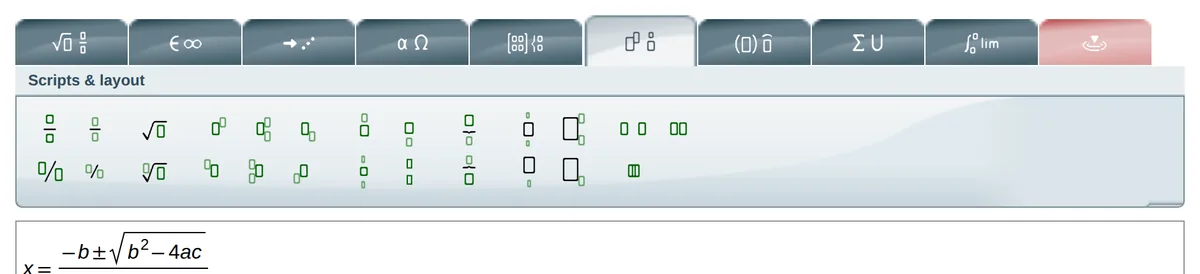
- Tabs: General, Symbols, Arrows, Greek, Matrices, Scripts and layout, Decorations, Big operators, Calculus.
- A contextual tab that shows only the buttons that make sense for your selection.
- Keyboard shortcuts for the most-used structures.
- Undo, redo, copy, paste, bold, italic, colours and sizes.
Arabic mathematics, right to left
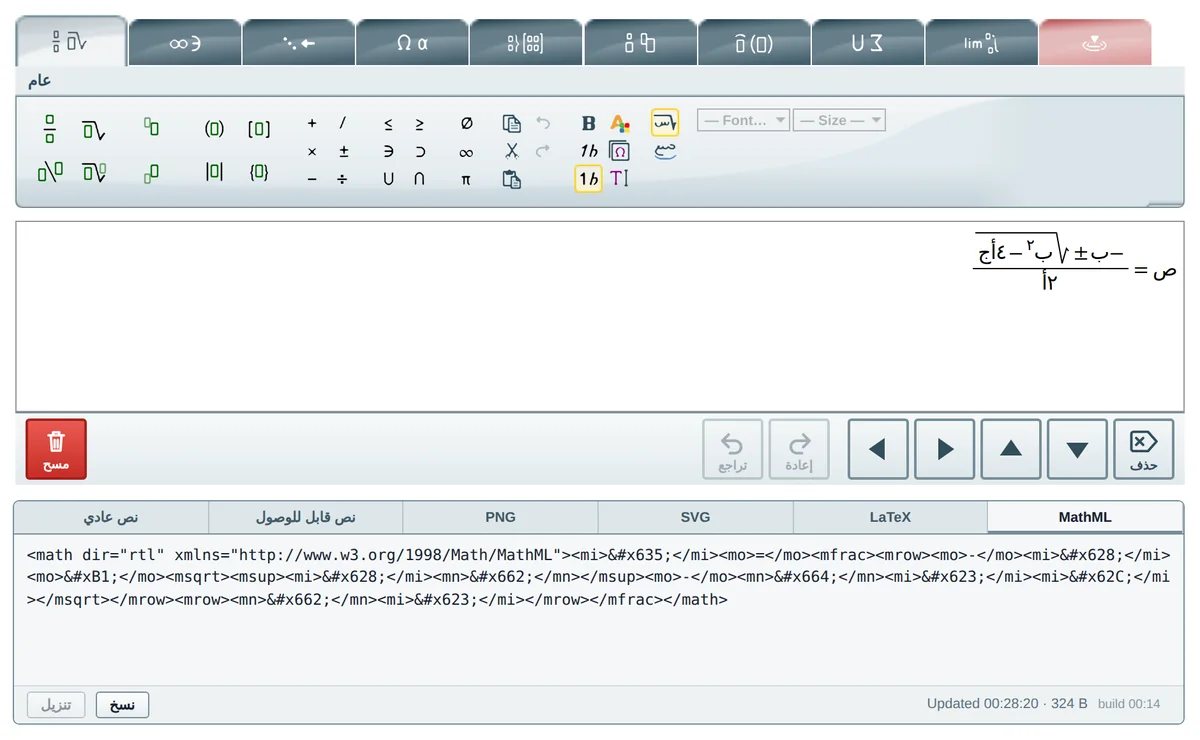
The editor writes from the right and mirrors structures the way Arabic mathematics is printed. The interface is fully translated, Arabic-Indic digits are ready, and the Arabic fonts match between the editor and exported images.
Arabic math letters and derivative marks
A palette of Arabic mathematical letters, drawn as vector shapes so no font is needed. Derivative marks (1, 2 and 3) stand clear above a letter without touching it.

Exact positioning
Select a letter, a mark or a whole group and move it one pixel at a time with the four arrows of the contextual tab (or Ctrl + Shift + an arrow key). The position is saved inside the formula and appears in the exported image.
Export as an image
Open the PNG tab and click Download to get a crisp image with a white background. Paste it into Word, Google Docs, PowerPoint or any web page.
On phones and tablets
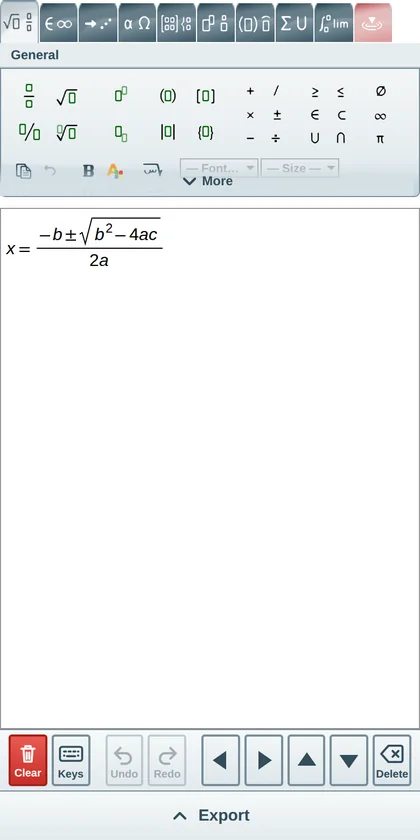
On small screens the editor switches to a touch layout: bigger buttons, a scrolling tab strip, an on-screen arrow pad (phone keyboards have no arrows) and a slide-up export bar.
Ready to write your first equation?
Open the full-page editor. It is the same editor you just tried, with the whole window to work in.